Pholeo

$ timelines --relative-to-the-event

“We have a vendor production schedule, also in a spreadsheet.”

A meetings manager, on a planning call

From the first site visit to load-out, authored relative to the event. Move the date and the plan moves with it; promote a task into Production when it becomes something that happens onsite.

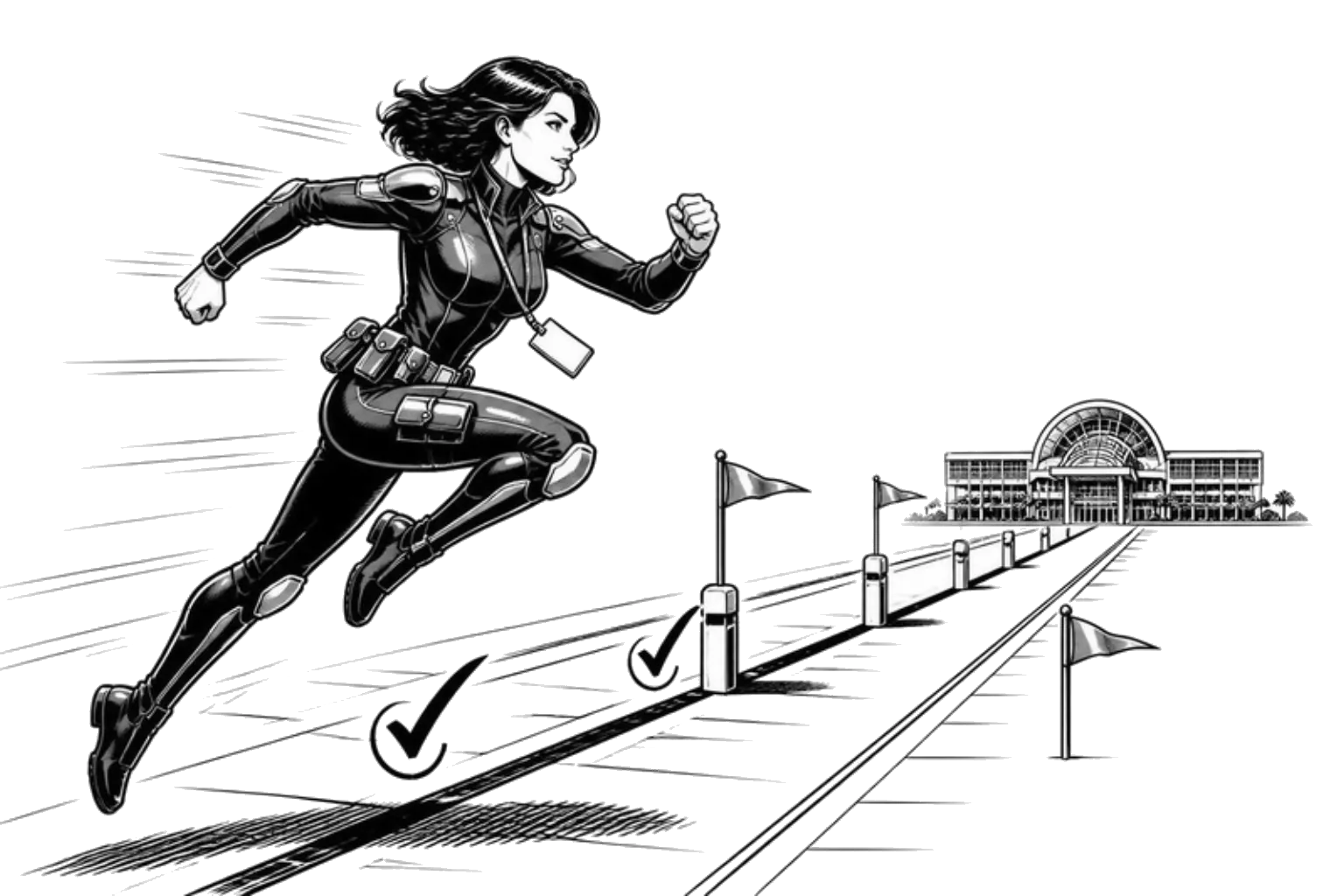
A planner sprints along a timeline track toward a convention centre on the horizon, leaping over milestone flags.
  • “I have a month-by-month production schedule and I’m in the midst of updating it for this year.”
  • “I have to schedule 58 committee meetings based on their requirements, then find the room each one fits in.”
  • “I’d love to do it further in advance. Typically it’s about 30, 45 days out.”
  • “The deadline is probably in the Smartsheet, but she’ll know it off the top of her head.”
  • “I keep a separate to-do list of what I need to finish and the due date.”
  • “I’m just worried the deadline is going to be before we get to this.”
  1. 01/ Planning
  2. 02/ Agenda
  3. 03/ Production
  4. 04/ Onsite

A plan that moves with the event

Author it once, relative to the date. Reuse it next year by changing the date.

  1. 01

    Planning

    Phases and tasks counted down to the event.

    Author the plan once as days out. Reuse it next year by changing the event date. Eight views of the same plan, from a list for the team to a calendar for the board.

  2. 02

    Agenda

    The run of show, by day and by time.

    Scheduled functions sit on the agenda with their rooms and their owners. Unscheduled ones wait in a lane until they have a time.

  3. 03

    Promote to Production

    A task that becomes a function keeps its history.

    When pre-production work turns into something that happens onsite, promote it. The link stays, so the onsite team can see where it came from.

  4. 04

    The vendor schedule

    Deco, AV and the venue read the same timeline.

    The production schedule is a view of the functions and their times, filtered per vendor and printed when they need it. It is not a separate document someone maintains.

See it on your own spec

A Spec Sync builds your first board from one real BEO or function sheet.

“By having our team integrated into Pholeo, production schedules build themselves.”

Julia McFarland

Program Lead, Sparks

Jack Voorhees

Case study · URMIA

“For 25 years I was stuck translating spreadsheets and mail merges into something venues could understand. Pholeo changed that.”

A lean association team centralized its logistics in Pholeo, cut the Excel and PDF version confusion, and cleaned up the venue conversation without adding staff.

Jack Voorhees

Senior Director of Events, URMIA

Read the story

FAQ

Questions planners ask about production timelines.

Straight answers. If yours is not here, ask it on the Spec Sync.

How are tasks dated?

Relative to the event: a task is due 45 days out, not on a calendar date. Move the event and every task moves with it, which is also how last year’s plan becomes this year’s.

Is this a project management tool?

It is the pre-production layer of an event platform. Phases, tasks, owners and views are built for a conference cycle, and a task can be promoted into a Production function when it becomes real onsite.

Can vendors see the production schedule?

Yes, as a print or an export filtered to what concerns them, or through a portal link. Sparks’ program lead describes production schedules that assemble from the team’s own entries rather than a separate document.

What views are there?

List, board, calendar, timeline, by phase, by owner and more, over the same tasks. The agenda shows the event itself by day and hour.

How does the office know what is done onsite?

A function marked complete on a phone shows complete on the board and the agenda at the desk, as it happens.

Can I start from a template?

Duplicate a previous event or a template, keep the phases and tasks, and change the date. The relative dates do the rest.

Bring the event out of your head.

Share one spec and we will build your first board with you.