Pholeo

$ suppliers --same-version-as-you

“The convention center, the catering, the decorator, AV, electric. Right now the spec process is manual.”

An association events director, on a Spec Sync call

The caterer, the AV house, the decorator and the venue each need a slice of the program. Pholeo gives each of them their slice, generated from the live record, with a log that settles who knew what and when.

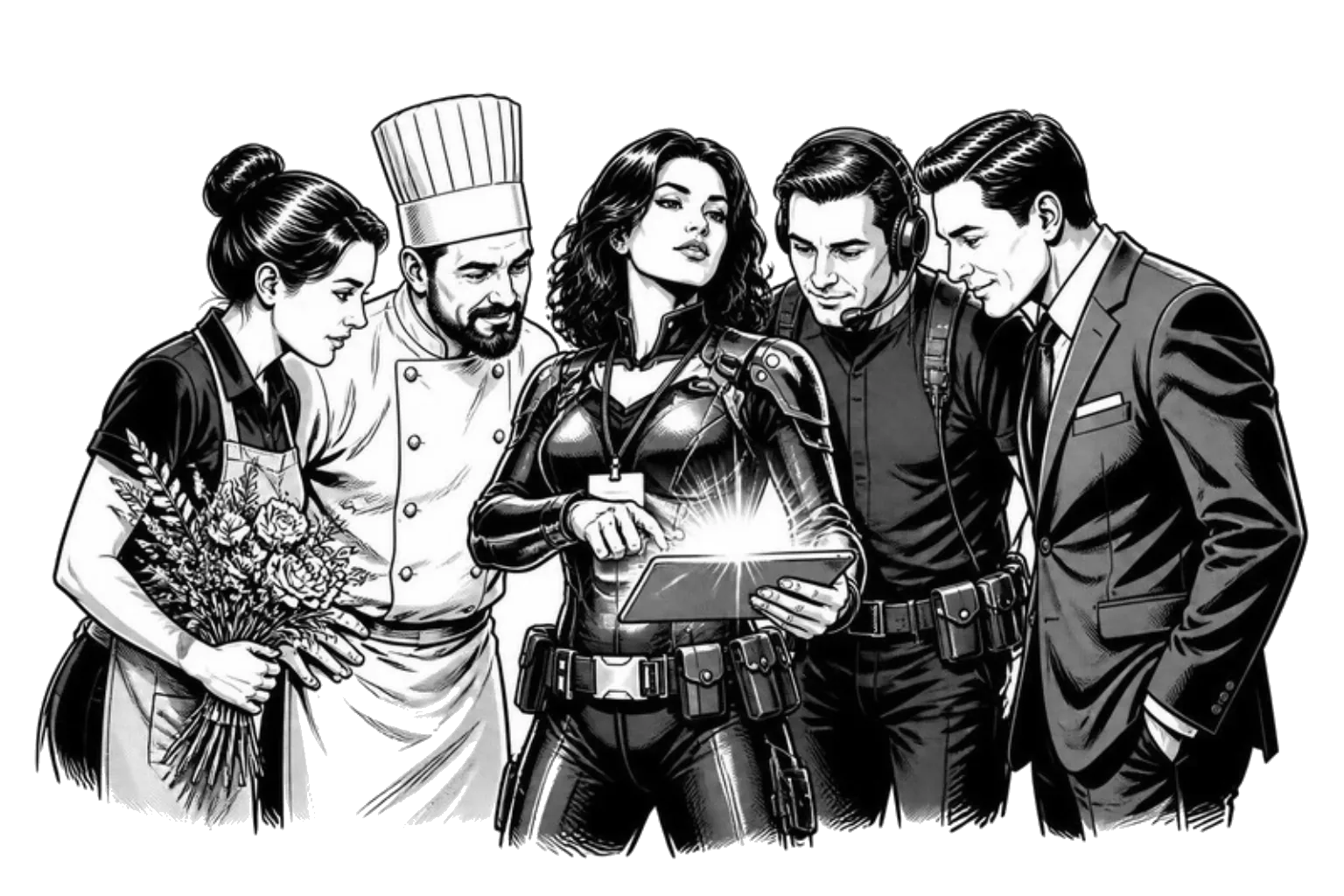
A planner in the middle of a huddle with a caterer, an AV technician, a florist and a venue manager, all looking at the same tablet.
  • “I would say this is mainly spreadsheets, emails, contractors.”
  • “The logistics grid is shared with our vendors for them to create the BEOs or their AV quotes.”
  • “Does my BEO match your BEO?”
  • “The venues have their own templates. How are you plugging into those?”
  • “I had to reach out to all these different vendors. It’s complicated.”
  • “It was promised we’d have the whole day. And this four o’clock, none of us saw it.”
  1. 01/ Roles
  2. 02/ Portal
  3. 03/ Attachments
  4. 04/ The venue's copy

Each partner gets their slice

Roles, portals and prints, all generated from the record you are working in.

  1. 01

    Roles and module access

    Invite a supplier to exactly what they need.

    Members carry a role and a set of modules. A vendor can see production and comment on it without ever seeing the budget.

  2. 02

    Portals

    A link a client or sponsor can approve from.

    Publish the parts of the program that need sign-off to a portal with a feedback thread, instead of a reply-all with six attachments.

  3. 03

    Attachments and the log

    Contracts, proofs and the record of every change.

    Attach the signed contract to the function it covers. Every edit is logged with who and when, which ends most of the conversations that begin with that is not what we were told.

  4. 04

    Their format, your record

    Each partner gets the version of the truth they need.

    The AV house gets a grid, the venue a BEO-style sheet, the decorator the rooms and times. All of it is a report over one record, produced when they need it.

See it on your own spec

A Spec Sync builds your first board from one real BEO or function sheet.

“When my hotel got the event order, there was no confusion. It was all right there.”
Jack Voorhees

Jack Voorhees

Senior Director of Events, URMIA

Five stars on G2

Lauren Koleszar, CMP

Case study · ASIS GSX

“It’s faster. It’s more accurate. And I don’t have to chase the details anymore.”

ASIS International moved GSX’s specs, budget and reconciliation into Pholeo, and ran the show onsite without binders for the first time in fifteen years.

Lauren Koleszar, CMP

Meetings Manager, ASIS International

Read the story

FAQ

Questions planners ask about supplier management.

Straight answers. If yours is not here, ask it on the Spec Sync.

Do my vendors need a Pholeo login?

No. Most get a print, an export or a portal link. A vendor who works in the event day to day can be invited as a member with a role and only the modules they need.

Can a supplier see the budget?

Only if you give them the Budget module. Module access decides which pages a member can open; the role decides what they can change.

How do approvals work?

A portal is a client-facing document built from the program with a feedback thread. An approval is recorded on the portal, not inferred from a reply.

Where do contracts and proofs live?

Attached to the function or the event they cover, thumbnailed and searchable, and visible on the phone onsite.

Does Pholeo pay vendors or send invoices?

No. It tracks the estimate, the invoice and the variance per line; payment runs through your accounting system, and the data export hands it the numbers.

What if the venue has its own template?

Send them the BEO-style print in their layout, or let them keep their paper and read their BEO back into Pholeo with Event Builder to check it against your specs.

Bring the event out of your head.

Share one spec and we will build your first board with you.