Pholeo

$ portals --one-link --approvals-recorded

“Is there just a general program overview that says, this is where we’re at?”

An agency principal, on a discovery call

A portal is a client-facing document built from the program. Publish the parts a client or sponsor needs to see, send one link, and collect the approval and the comments on the same page. The budget and the vendor pricing stay inside.

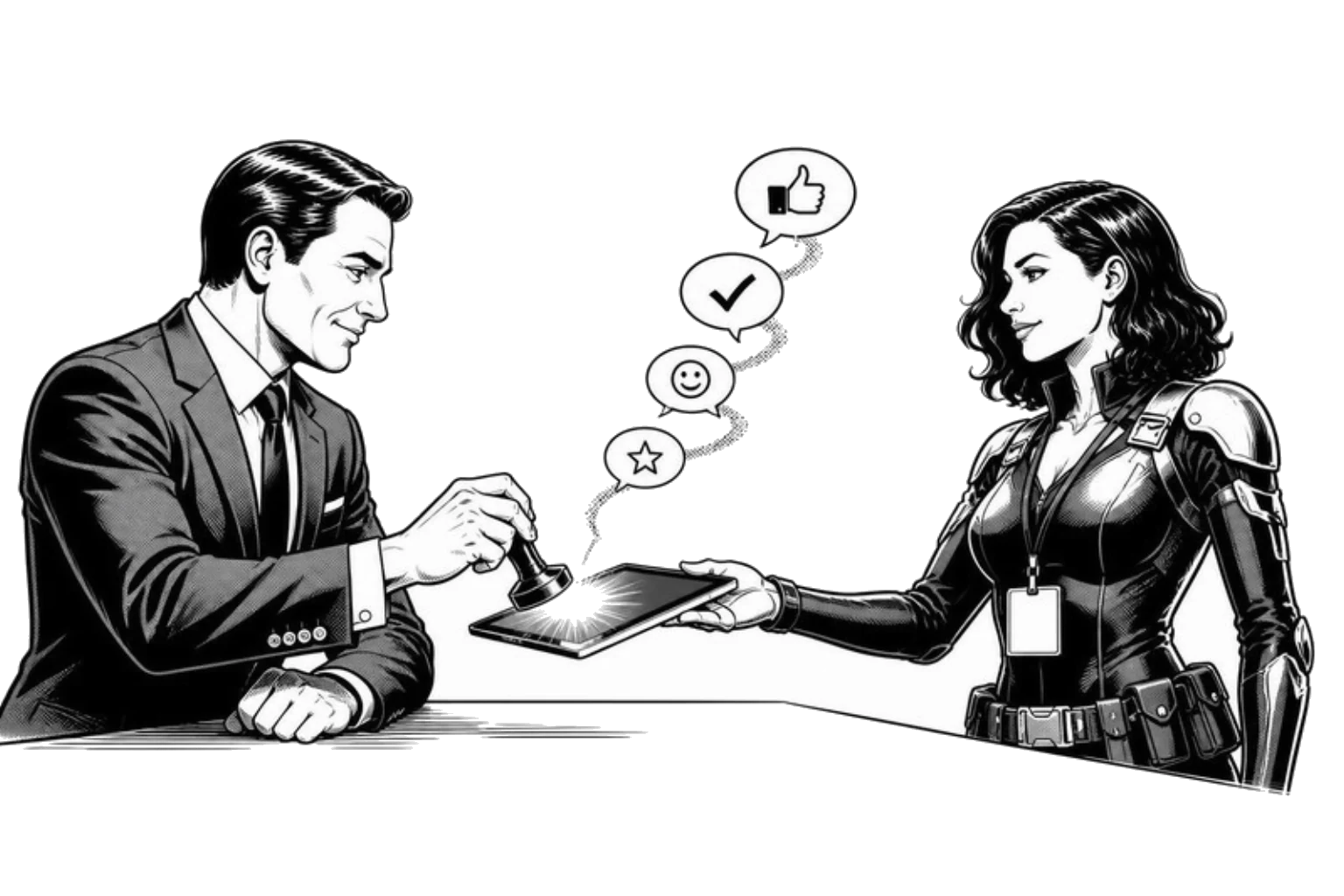
A planner and a client shake hands across a tablet showing the program, with approval ticks floating above it.
  • “The clients like to see where we’re at based on our menus.”
  • “We have a lot of vendors, but we don’t necessarily want to share how much they’re charging.”
  • “I’m looking at the client deck because that’s going to have the most updated.”
  • “With that comes double-checking work and making sure it’s client-ready.”
  • “I’m updating my F&B spreadsheet and that’s what goes into the client’s deck.”
  • “We present to the meeting planner without giving them all the nitty-gritty.”
  1. 01/ Portals
  2. 02/ Builder
  3. 03/ The client’s view
  4. 04/ The program

The deck that updates itself

Publish what needs approval. Collect the approval. Keep the rest inside.

  1. 01

    Built from the program

    A portal is a view of the live functions, not a copy.

    Choose the functions and the fields, and the document is generated from the record. Change a menu on the board and the portal shows it. No deck to rebuild before every client call.

  2. 02

    One link

    The client opens a page, not an attachment.

    A tokenised link with no login. A dead link, a revoked link and an unpublished portal all answer the same way, and the token never reaches a log.

  3. 03

    Approvals recorded

    Approve is a button, and it is written down.

    The approval lands on the record with who and when. Comments go into a two-way thread on the page, so the feedback and the thing it is about are never in different inboxes.

  4. 04

    What stays inside

    Hidden fields are removed, not merely unrendered.

    Vendor pricing, the budget and internal notes are stripped from the portal’s payload. What the client cannot see is not on the page, in any form.

See it on your own spec

A Spec Sync builds your first board from one real BEO or function sheet.

“Pholeo saves my team hours when producing final production schedules.”

Julia McFarland

Program Lead, Sparks

Lauren Koleszar, CMP

Case study · ASIS GSX

“It’s faster. It’s more accurate. And I don’t have to chase the details anymore.”

ASIS International moved GSX’s specs, budget and reconciliation into Pholeo, and ran the show onsite without binders for the first time in fifteen years.

Lauren Koleszar, CMP

Meetings Manager, ASIS International

Read the story

FAQ

Questions planners ask about client portals.

Straight answers. If yours is not here, ask it on the Spec Sync.

Who is a portal for?

A client, a sponsor, a board member or a venue contact who needs to see part of the program and say yes to it. Anyone with the link can open it; nobody needs a Pholeo login.

Can the client see our costs?

Only if you publish them. Pricing, budget lines and internal notes are hidden by default and are stripped from the page, not hidden with a style.

What does approval look like?

An Approve button on the document. The approval is recorded on the record with the time and the name. Comments and replies form a thread on the same page, and the planner answers from inside Pholeo.

What happens when the program changes after I send the link?

The portal is a view of the record, so it shows the current version. If you need a snapshot, publish a new portal and revoke the old link.

Can I recall a link?

Yes. Revoke it and the page answers as not found, the same as a link that never existed. Publish again to issue a fresh one.

Does this replace the client deck?

For the approval step, usually. Agencies still build the beautiful deck for the pitch; the portal is the working document that stays current between the pitch and the show.

Bring the event out of your head.

Share one spec and we will build your first board with you.